
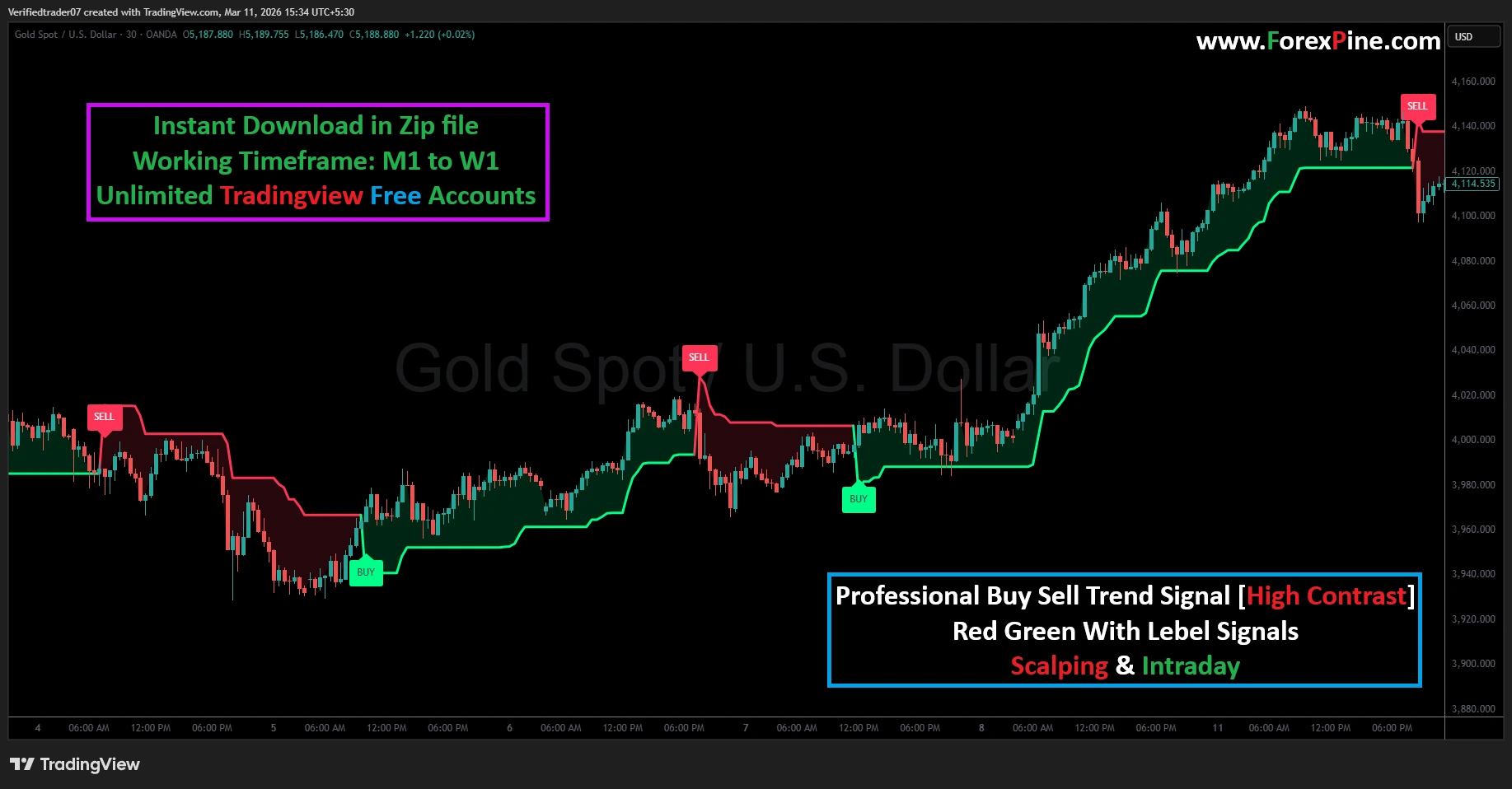
Professional Buy Sell Trend Signal [High Contrast]
Original price was: $3 999.$199Current price is: $199.
- Clear visual signals
- Works on multiple timeframes
- Suitable for Tradingview market
- Helps identify reversal points
- Simple trading rules
- Unlimited Tradingview Free Plan
- Trading time: Every time
- Instant Download in Zip file
- Timeframe: M1 to W1
- Source Code:- Pine script
- Lifetime Version
Description
Professional High-Contrast Trend Signal
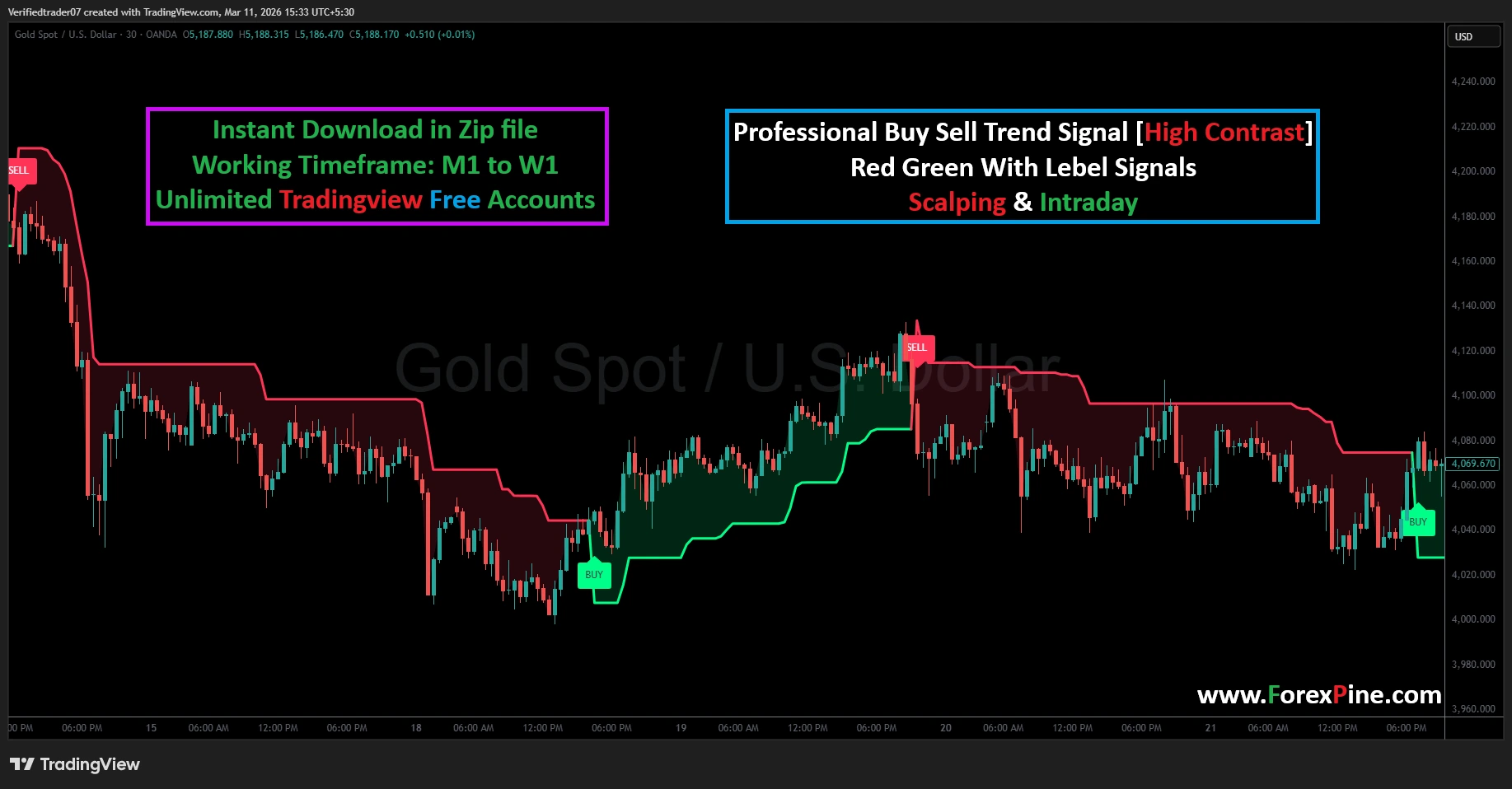
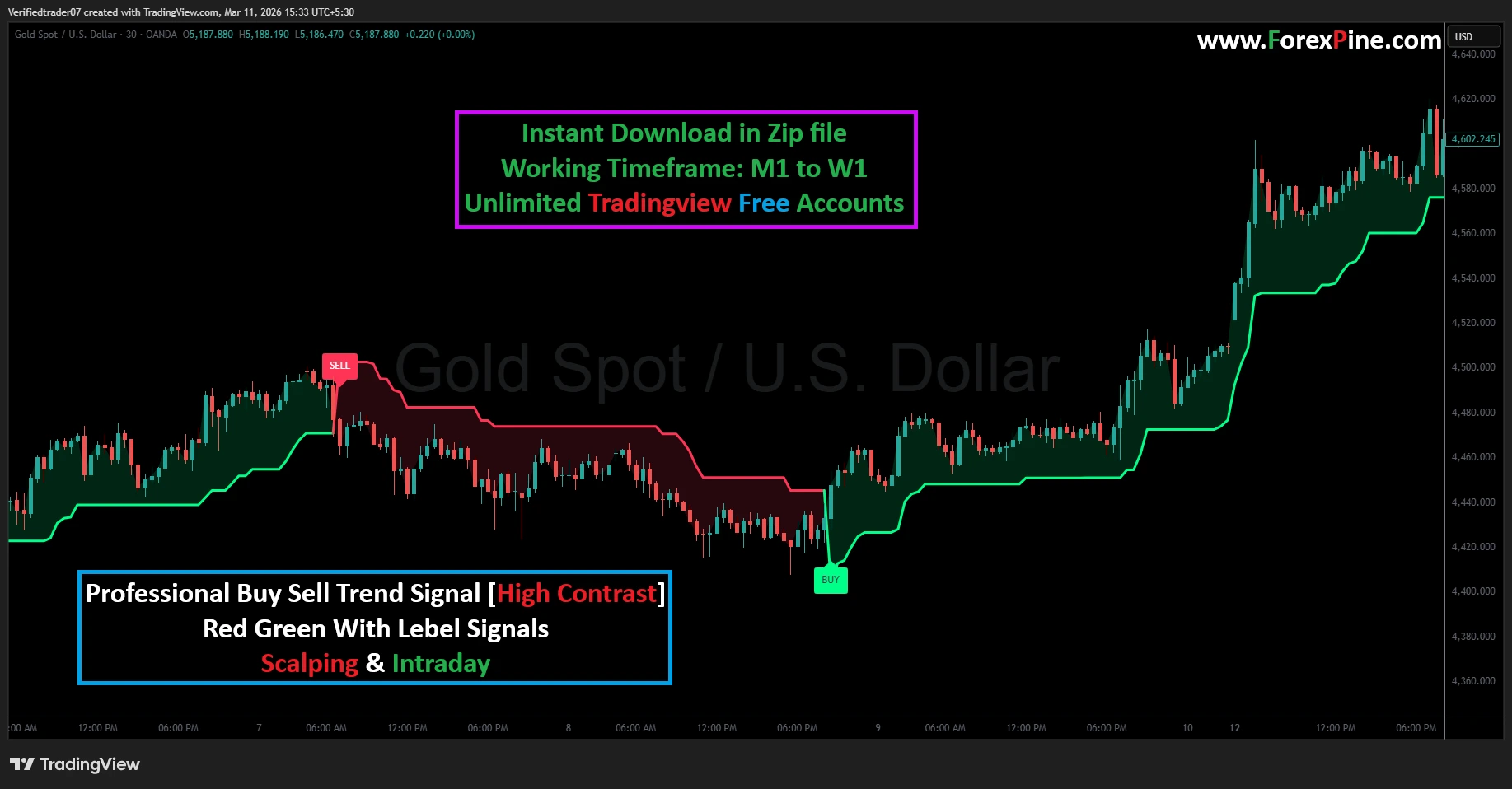
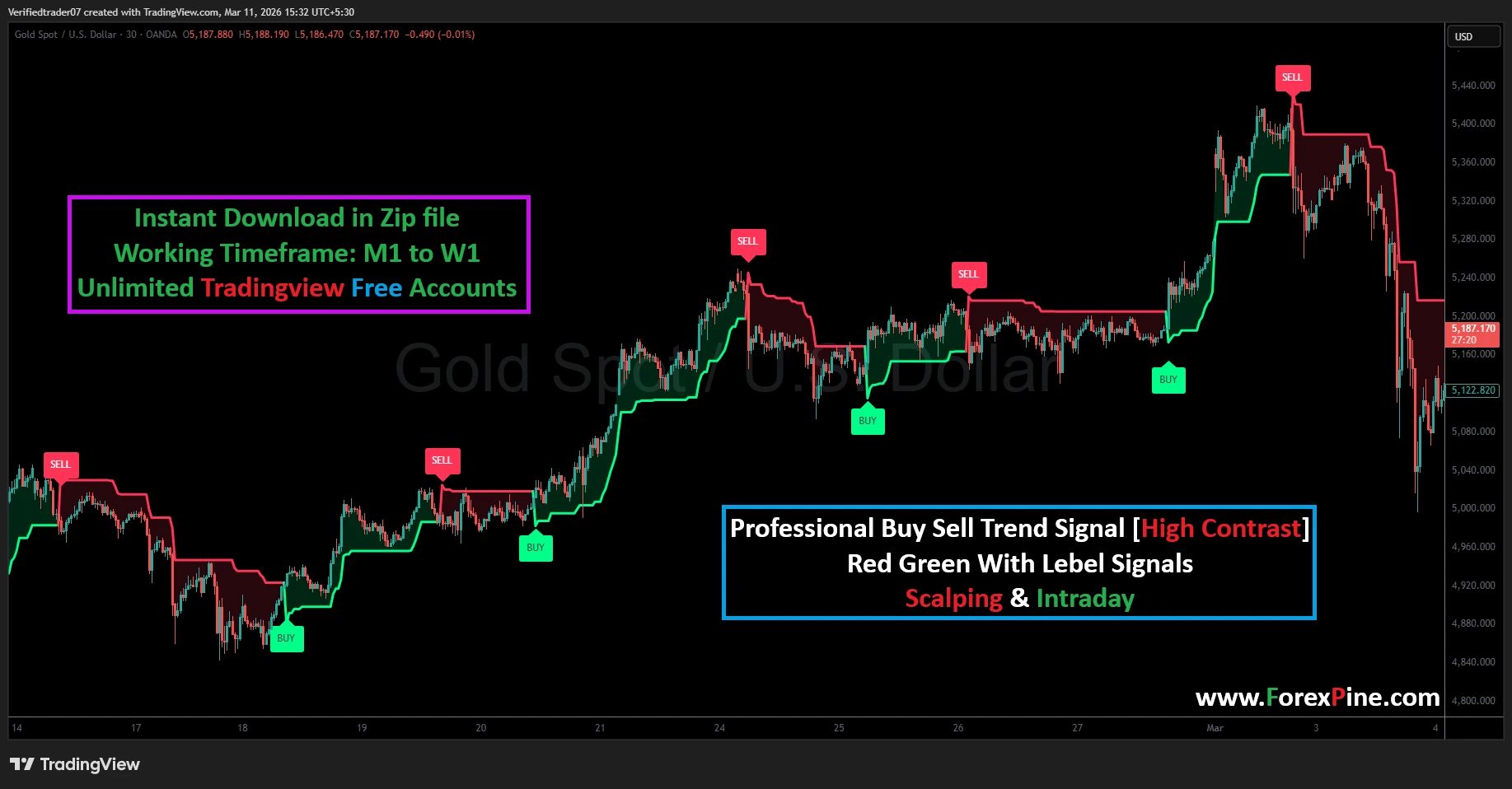
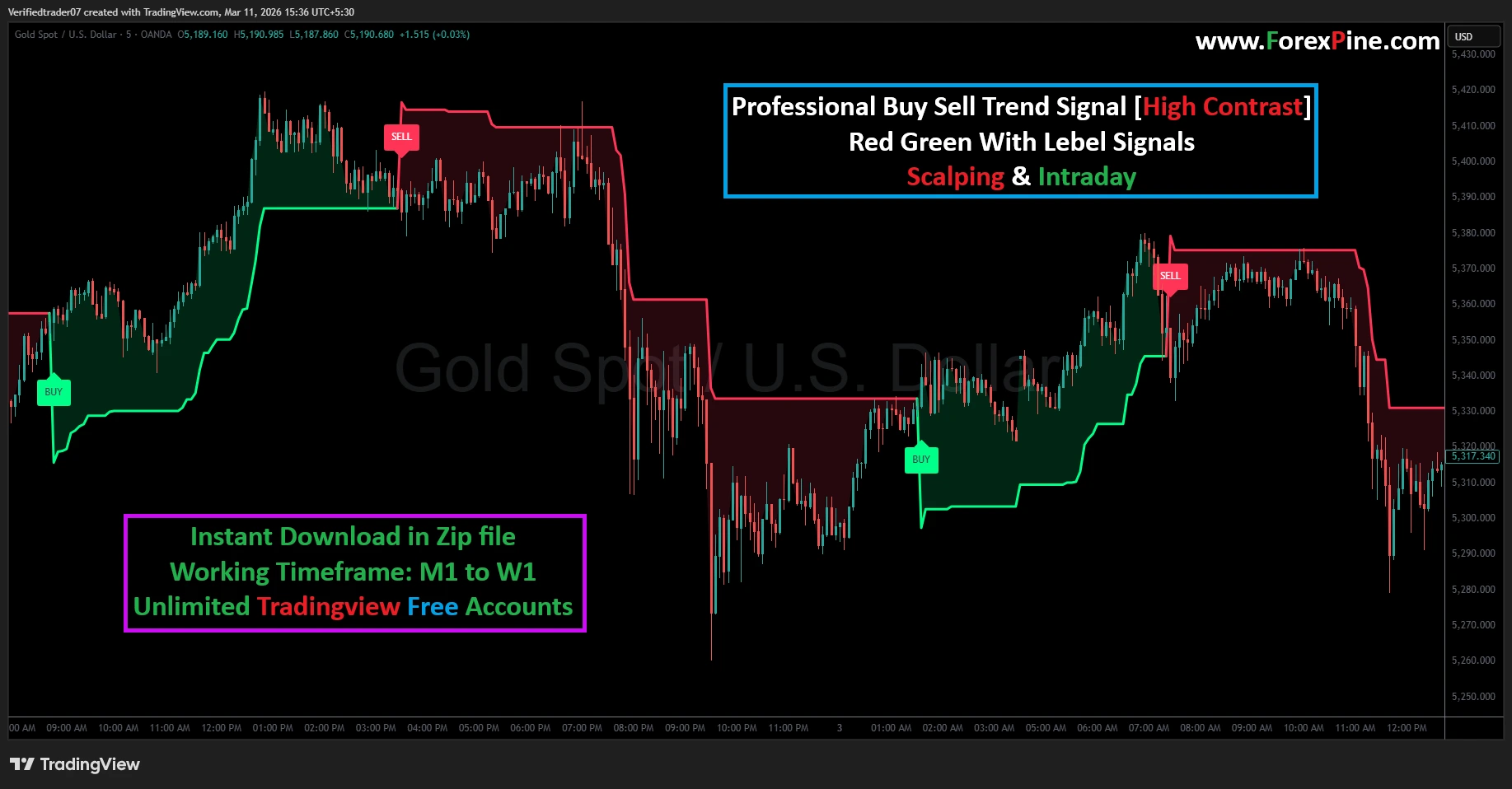
The Professional High-Contrast Buy Sell Trend Signal is a powerhouse indicator designed for traders who need immediate, bold, and unmistakable market direction. When trading fast-moving assets like Gold (XAUUSD), every second counts. This script eliminates confusion by using a high-intensity color-fill system and direct labels that tell you exactly when the trend has shifted. It is the ultimate tool for Scalpers and Intraday traders who want to catch big moves with high-contrast visual confirmation.
Why This Indicator Stands Out
-
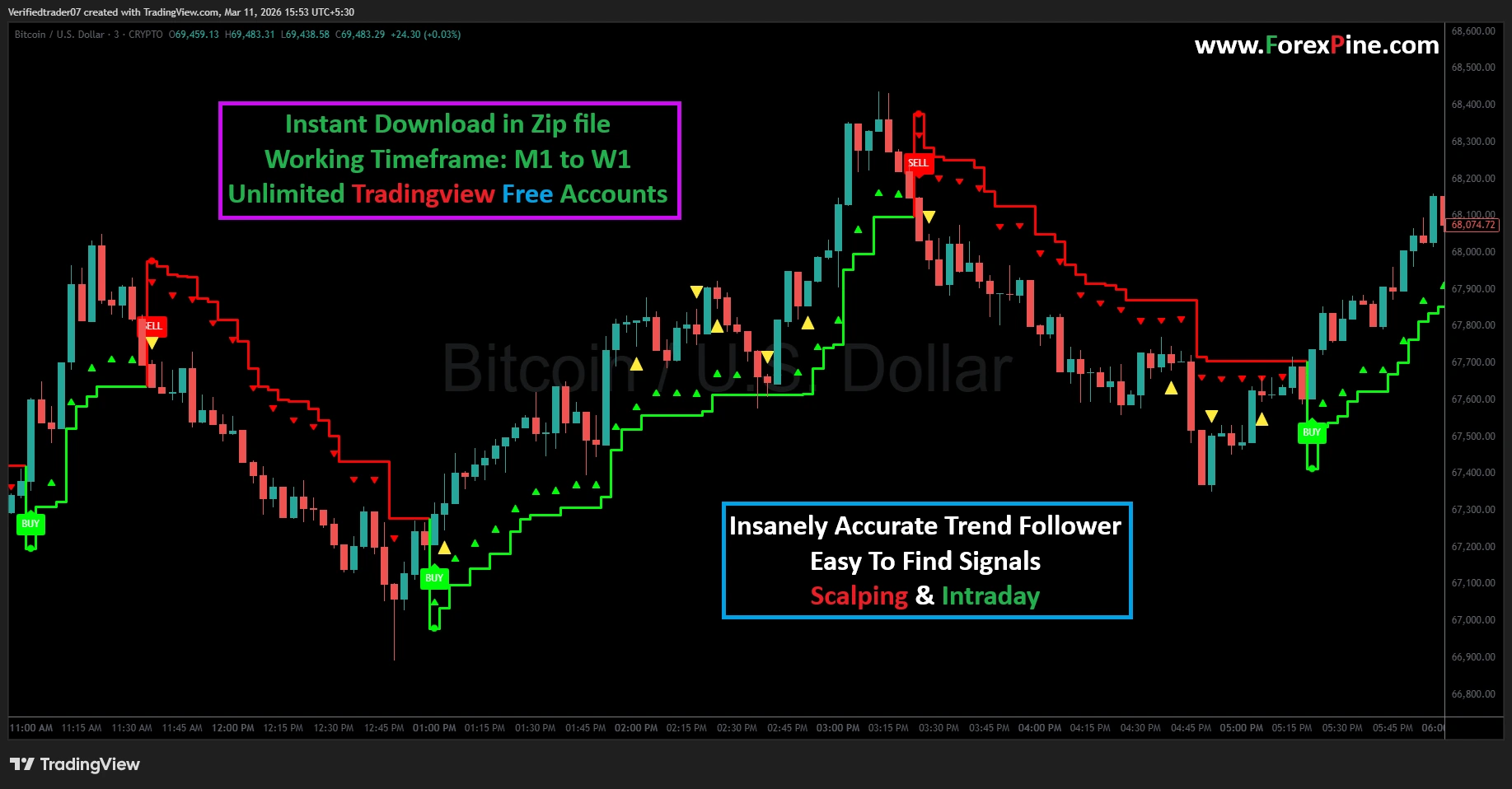
High-Contrast Visualization: Featuring ultra-bright Green (Bullish) and Red (Bearish) zones, making it easy to read even on small laptop screens or mobile devices.
-
Label-Driven Alerts: Clear “BUY” and “SELL” tags appear at the precise start of a trend, removing the guesswork from your entries.
-
Aggressive Trend Tracking: Unlike standard indicators, this script is tuned to capture the “meat” of the move, ensuring you stay in the trade as long as the momentum is strong.
-
Universal Application: Built for TradingView Free Accounts, working seamlessly across all timeframes from the 1-minute (M1) to the Weekly (W1).
Step-by-Step Guide: How to Use the High-Contrast Trend Signal
Follow these professional steps to integrate this indicator into your daily trading routine:
Step 1: Setup and Calibration
Once you have added the script to your TradingView Pine Editor, apply it to your favorite pair.
-
For Gold (XAUUSD): This indicator shines on the 15-minute and 30-minute charts for intraday moves.
-
For Major Forex (EURUSD/GBPUSD): Use the 5-minute chart for high-frequency scalping.
-
Theme Tip: This “High Contrast” version looks best on a Dark Mode chart background, allowing the signals to pop.
Step 2: Executing a Long Trade (BUY)
Confidence is key in trend trading.
-
The Signal: Wait for the indicator to flip from red to green. A bright green “BUY” label will appear below the candle.
-
The Entry: Enter the trade immediately once the candle closes and the green zone begins to form. The green “step” acts as your floor—if the price stays above this line, the trend is healthy.
Step 3: Executing a Short Trade (SELL)
Don’t get caught in a falling market.
-
The Signal: Watch for the transition where the green cloud disappears and a deep red “SELL” label prints above the price.
-
The Entry: As soon as the red zone is established, the market sentiment has turned bearish. This is your cue to enter a short position or exit any existing longs.
Step 4: Logical Stop Loss and Take Profit
This indicator provides natural levels for your risk management:
-
Stop Loss (SL): Place your SL just on the other side of the colored cloud. For a Buy trade, your SL goes below the Green line; for a Sell trade, it goes above the Red line.
-
Take Profit (TP): You can take partial profits at key resistance levels or wait for the “Contrast Change.” When the price touches the boundary of the cloud, it often signals a cooling-off period where you should lock in gains.
Pro-Level Strategy: The “Color-Flip” Technique
The High-Contrast Trend Signal is excellent for identifying “Trend Reversals.” If you see the price making a lower high while the indicator is still Green, be ready! As soon as that Red SELL label appears, it often signals a massive drop. By following the “Color-Flip,” you avoid the trap of “buying the dip” in a market that is actually crashing.
Product Details & Purchase Info
-
Instant Delivery: Download the Zip file containing the Pine Script source code immediately after checkout.
-
No Subscription Needed: This is a one-time purchase. Use it on your Free TradingView account forever.
-
Full Support: Includes easy instructions on how to copy and paste the code into your TradingView account.
Install Paste the Code
-
If there is any default code already in the editor, delete it completely so the editor is blank.
-
Paste the code you copied from your Zip file (Ctrl+V or Cmd+V).
-
Click the “Save” button at the top right of the editor and give it a name (e.g., “Pro Trend Signal”).
Related products
-
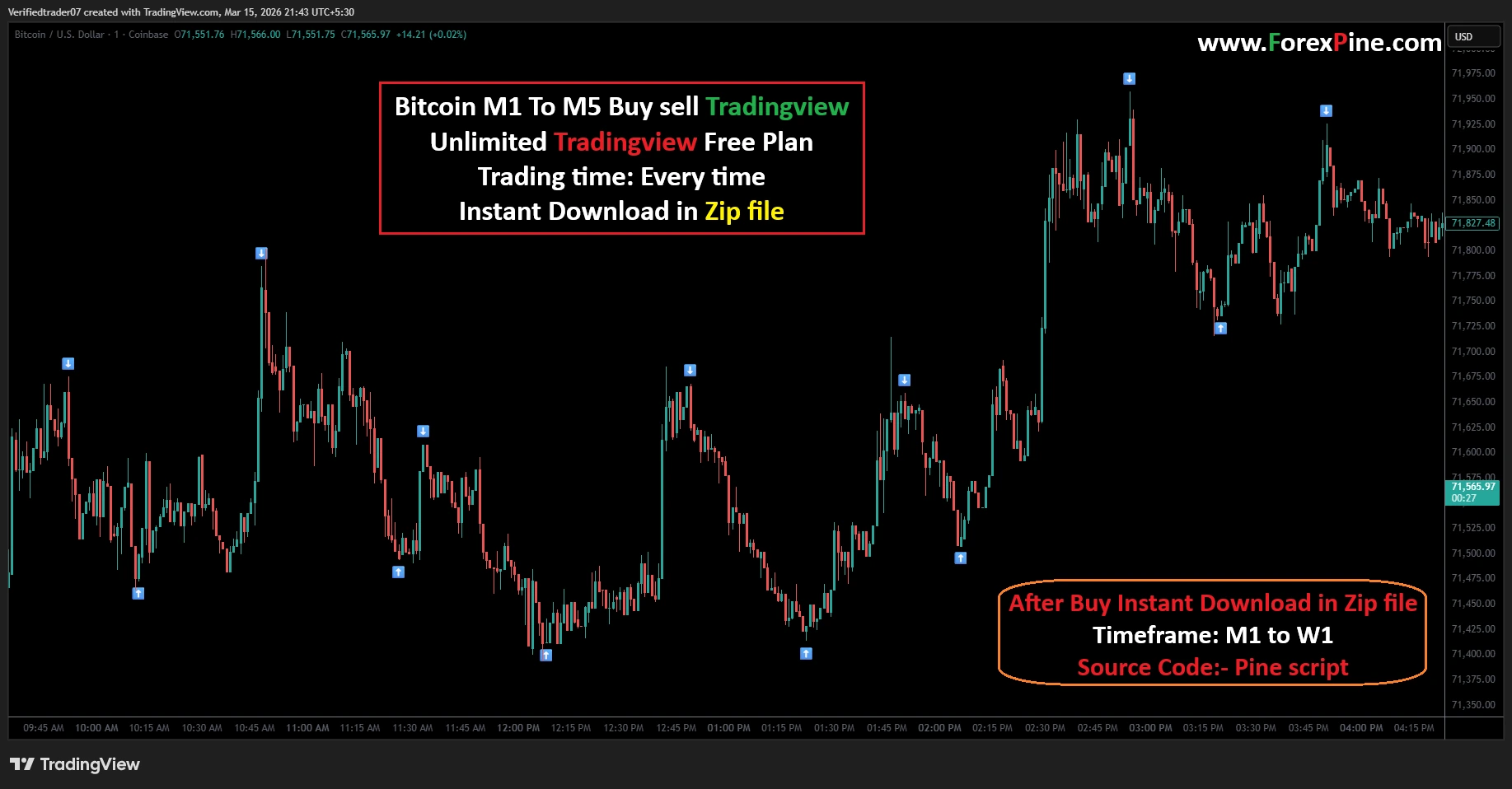
Bitcoin M1 To M5 Buy sell Tradingview
- Clear visual signals
- Works on multiple timeframes
- Suitable for Tradingview market
- Helps identify reversal points
- Simple trading rules
- Unlimited Tradingview Free Plan
- Trading time: Every time
- Instant Download in Zip file
- Timeframe: M1 to W1
- Source Code:- Pine script
- Lifetime Version
-
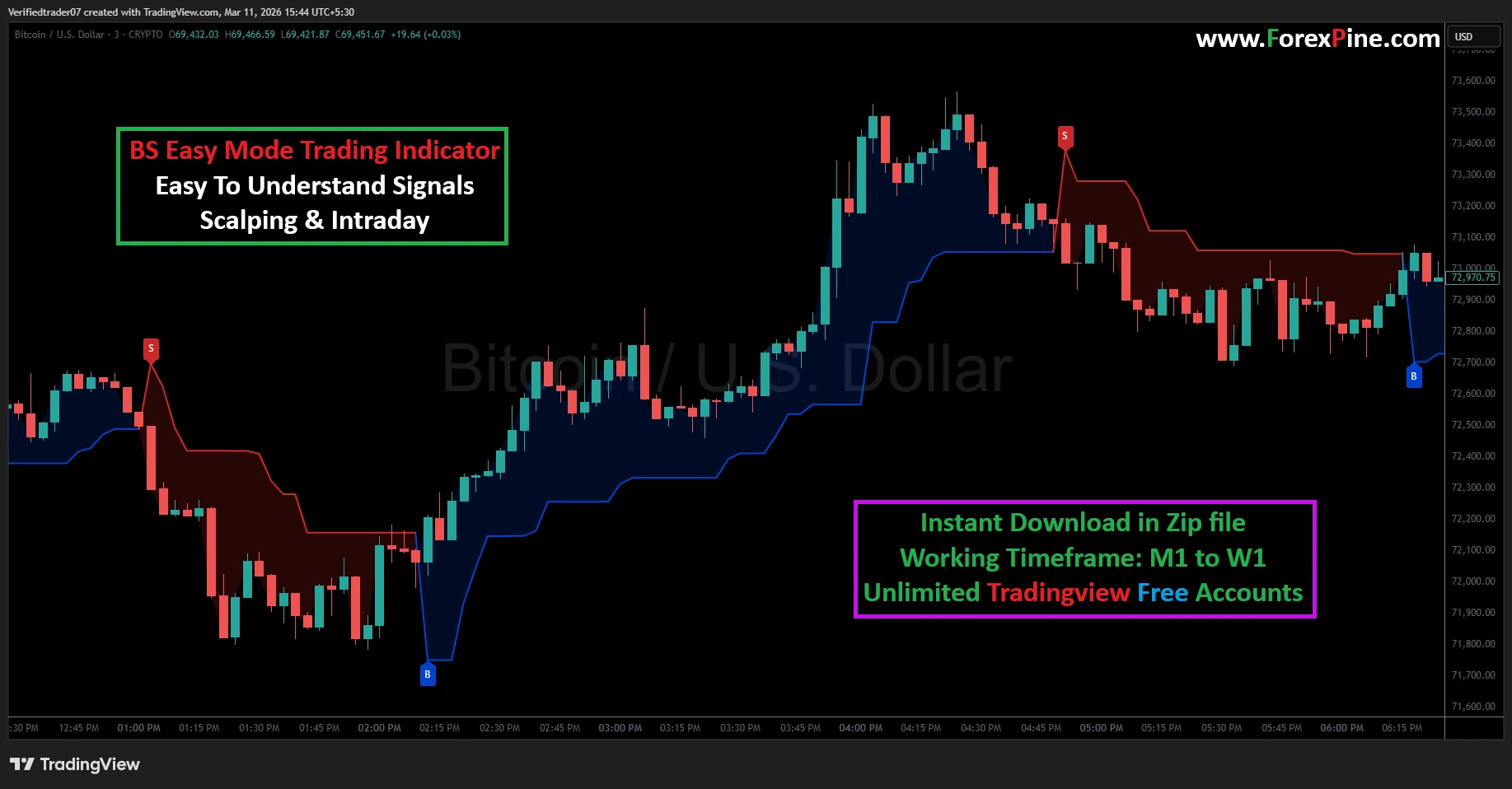
BS Easy Mode Trading Indicator
- Clear visual signals
- Works on multiple timeframes
- Suitable for Tradingview market
- Helps identify reversal points
- Simple trading rules
- Unlimited Tradingview Free Plan
- Trading time: Every time
- Instant Download in Zip file
- Timeframe: M1 to W1
- Source Code:- Pine script
- Lifetime Version
-
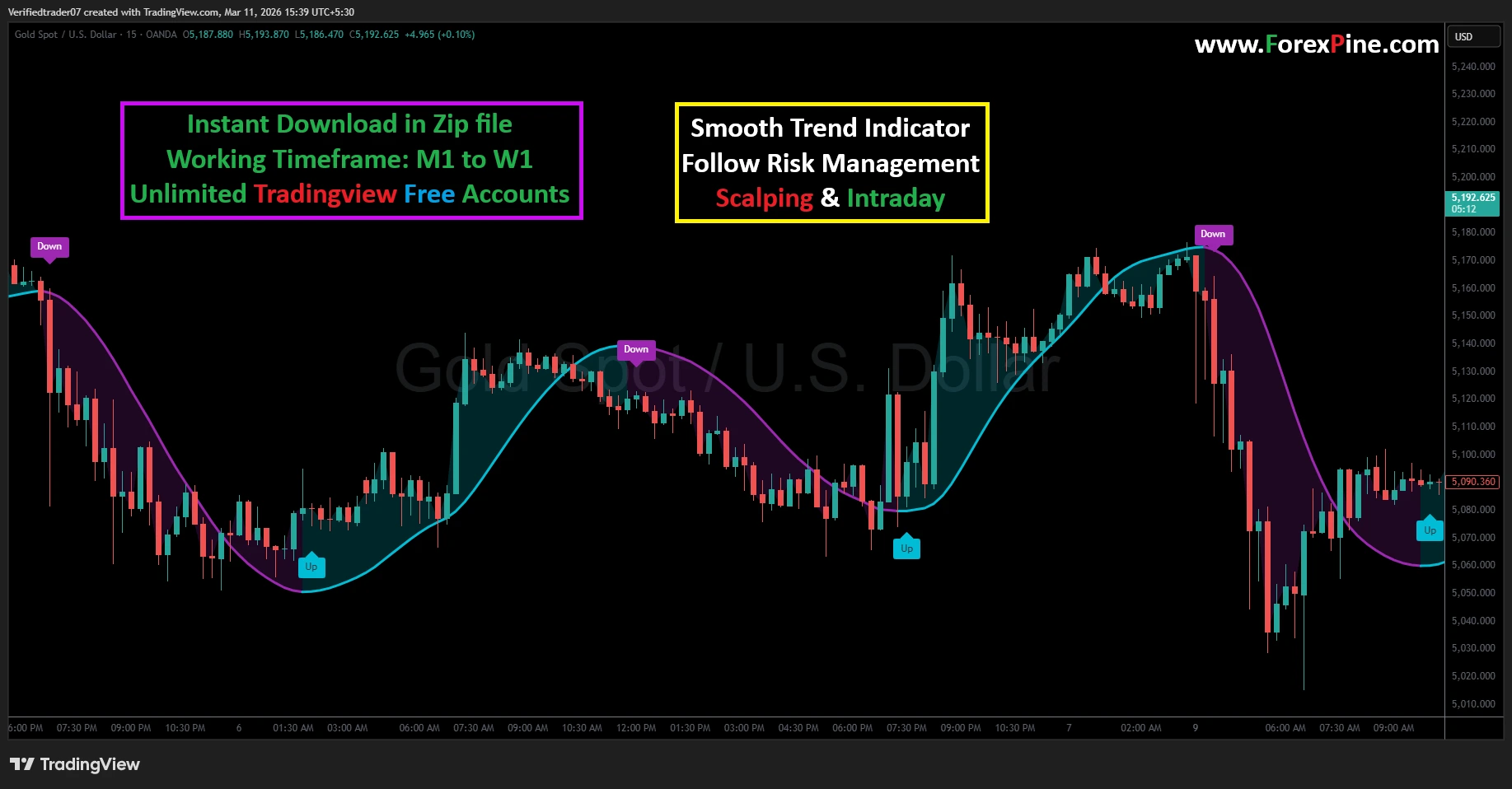
Smooth Trend Indicator
- Clear visual signals
- Works on multiple timeframes
- Suitable for Tradingview market
- Helps identify reversal points
- Simple trading rules
- Unlimited Tradingview Free Plan
- Trading time: Every time
- Instant Download in Zip file
- Timeframe: M1 to W1
- Source Code:- Pine script
- Lifetime Version
-
Insanely Accurate Trend Follower
- Clear visual signals
- Works on multiple timeframes
- Suitable for Tradingview market
- Helps identify reversal points
- Simple trading rules
- Unlimited Tradingview Free Plan
- Trading time: Every time
- Instant Download in Zip file
- Timeframe: M1 to W1
- Source Code:- Pine script
- Lifetime Version
Reviews
There are no reviews yet.